News
GTA 6 Won't Start on PS5? Install System Update 14.23, Restore the License and Turn On Offline Play
GTA 6 needs PS5 system software 14.23 before it starts, and a PSN hiccup can block the license check. The fixes from Sony's own pages, in order, plus Xbox.
 By Mahedi Hasan5 min read
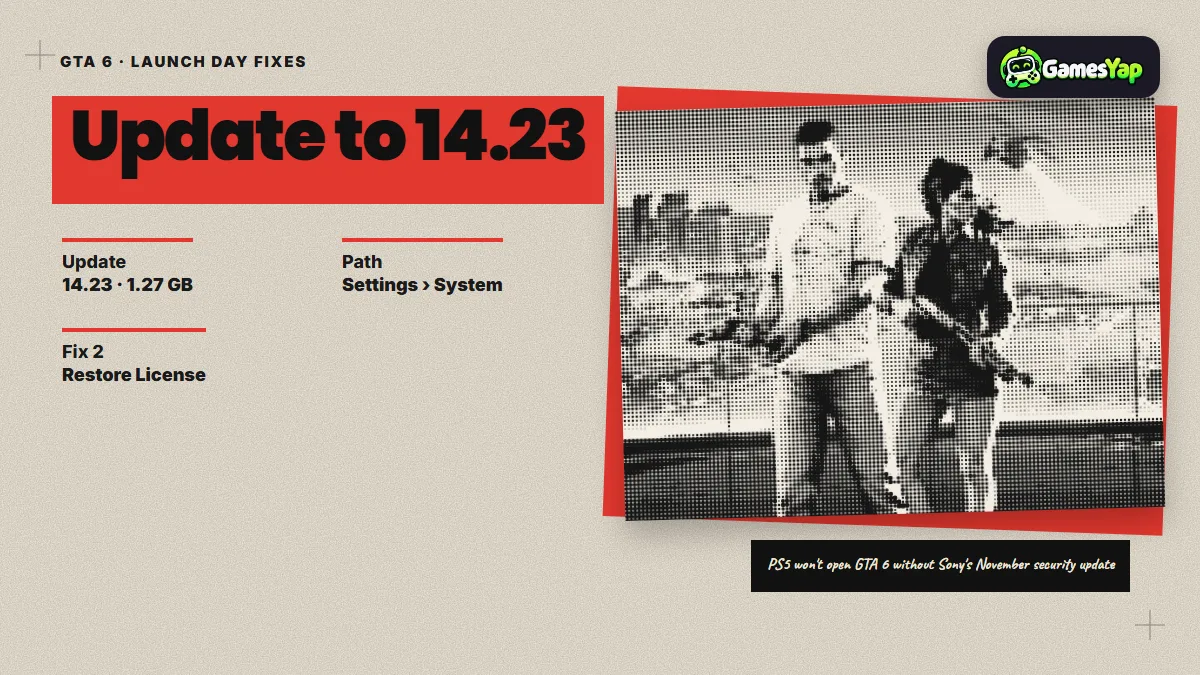
If GTA 6 won't start on your PS5, the first thing to check is your system software. Sony's PlayStation Support account said on X this week that "Sony Interactive has issued a PS5 system software update that is required before playing Grand Theft Auto VI." That update is version 26.07-14.23.00, about 1.27 GB, and Sony's system software page lists it as the latest build with one line of notes: "We've made some security fixes to the system software." The game launched at midnight local time on Thursday, November 19, 2026, and a preloaded copy doesn't skip the requirement. TweakTown and Notebookcheck were among the first outlets to report it on November 18.
What to do right now: install 14.23, restart, and try again. If it still won't open, work down the list below. Every step comes from PlayStation's own GTA VI troubleshooting page, which went up for launch.
The fixes, in the order we'd try them
| Symptom | What to do | Where |
|---|---|---|
| Game won't open at all | Install system software 14.23 | Settings › System › System Software › System Software Update and Settings |
| "Can't use this content" or a lock icon | Restore the license | Highlight the game, press Options › Restore License |
| Still locked | Restore every license | Settings › Users and Accounts › Other › Restore Licenses |
| Another account on the console bought it | Owner turns on Console Sharing and Offline Play | Settings › Users and Accounts › Other › Console Sharing and Offline Play › Enable |
| Download stuck | Pause, then Resume. If that fails, Cancel and Delete, then download again from Game Library | Control center › Downloads/Uploads |
| Download keeps failing | Check free space, then rebuild the database | Settings › Storage; Safe Mode › Clear Cache and Rebuild Database |
One thing that page makes clear: PlayStation Support handles launch, download, code and license problems. Gameplay bugs and patches go to Rockstar Support.
Why a PSN outage can stop a single-player game
GTA 6 is a single-player game at launch, so there's no GTA 6 server to go down. Your console still checks that you own the digital license when the game starts. If PlayStation Network can't be reached and the console isn't set up for offline play, that check can fail.
That happened twice around launch. Players hit errors like "Sony services are busy" for about 45 minutes on the evening of November 18, UK time, as The Independent and Polygon reported. The German site MeinMMO's live ticker logged a second short notice on PlayStation's status page early on November 19, European time. It said players "may have difficulties accessing games, apps, or network features," and it cleared in about 20 minutes. If it happens again, PlayStation's status page is the place to check before you start changing settings.
So turn on Console Sharing and Offline Play for the account that bought the game while PSN is working. It's the setting that lets the license work without a live check. Each account can switch it on for one PS5 at a time, so pick the console you play on most.
On Xbox
Microsoft hasn't listed a required system update for GTA 6, and Xbox's status page was green on launch night. The same idea applies, though. If you set the console as your home Xbox (Settings › General › Personalization › My home Xbox), your digital games can start without a live license check. Then do a full restart, not a rest-mode wake, before you try again. If you were planning to stream it instead, our phone, PC and cloud guide covers what Xbox Cloud Gaming supports.
Boxed copy with a bad code?
GTA 6 boxes hold a download code, not a disc. PlayStation's GTA VI support page says that if the code is missing or unreadable, you should contact the retailer, not PlayStation.
Stuck waiting?
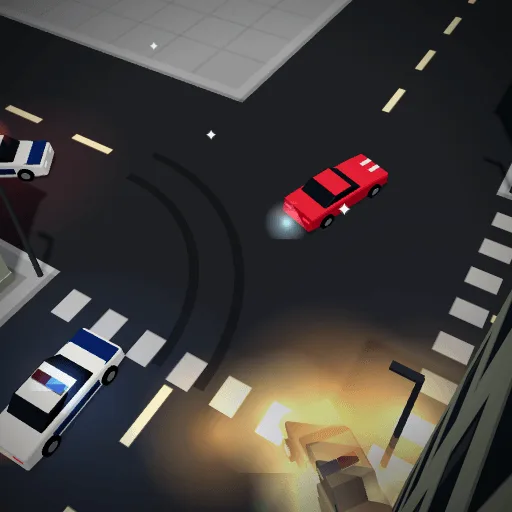
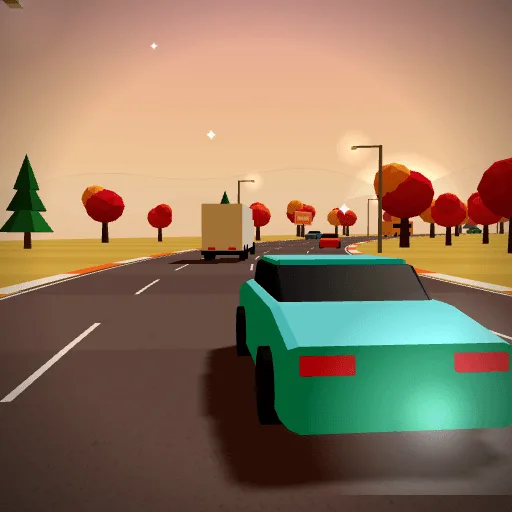
If the download still has hours to go, our preload guide has the 212 GB size and the patches, and the storage math shows what to delete. Need something to play in the meantime? Siren Sprint is a free police chase game in a browser tab, where you steer so the police cars crash into walls and each other. Turnpike Rush is a 3D highway traffic racer where you weave through cars, trucks and buses for near-miss combos. Both are on our driving games page.
Sources: PlayStation Support (US) post on X, November 2026; PlayStation system software information page (version 26.07-14.23.00); PlayStation GTA VI game troubleshooting and support pages; The Independent and Polygon on the November 18 PSN outage; MeinMMO live ticker, November 18–19; TweakTown and Notebookcheck, November 18, 2026. Checked November 19, 2026, around 2 pm Bangladesh time (08:00 UTC).
FAQ
Why won't GTA 6 start on my PS5?
The most common reason on launch day is missing system software. Sony says PS5 version 26.07-14.23.00 is required before GTA 6 will play, even if you preloaded the game. Go to Settings, System, System Software, then System Software Update and Settings, install it and restart. If it still won't open, restore the license next.
How do I restore the GTA 6 license on PS5?
Highlight the game on the home screen or in your Game Library, press the Options button and pick Restore License. If that doesn't work, go to Settings, Users and Accounts, Other, Restore Licenses. Make sure you're signed in with the account that bought the game or redeemed the code, and that the console is online.
Can I play GTA 6 offline on PS5?
Yes, once it's set up. The account that owns the game should turn on Console Sharing and Offline Play under Settings, Users and Accounts, Other. Do it while PlayStation Network is working. After that, the license works even if PSN goes down, which matters when launch traffic knocks the network over for a while.
Is the GTA 6 server down?
GTA 6 is single-player at launch, so there's no game server to crash. Problems on launch night came from PlayStation Network and, for some players, Xbox network reports. Check the PlayStation or Xbox status page first. If every service shows green, restart the console and work through the fixes in our table above.