Guides
Free Online Games for Kids: Safe Picks and a Parent's Guide
Kid-friendly free online games and a parent guide: age ratings, the child-safe catalog, ads, screen time and how to choose good games.
By GamesYap Team5 min read
Good games can teach patience, logic and hand-eye coordination — and they are fun to play together. This guide lists kid-friendly games on GamesYap and explains how we keep the site suitable for young players, so parents can make confident choices.
How GamesYap keeps young players safe
- Every game has an age rating (3+, 7+, 12+, 16+ or 18+), set when we review it.
- Children under 13 can play without an account. They see a child-safe catalog and only non-personalized ads.
- Accounts need an age check. We ask for a birth year at sign-up, and you must be 13 or older to create an account.
- No in-game purchases. Everything on GamesYap is free; there is nothing to buy inside the games.
- Ads never interrupt play. Ads are labelled "Advertisement", never cover game controls and never appear during active play. Optional "watch an ad" helpers always have a free alternative.
What makes a good game for kids?
Not every game labelled "for kids" is a good fit. When you look at free online games for kids, these signs usually point to a good one:
- A clear goal on screen. Young players should always know what to do next, such as "eat 6 fruits" or "match every pair".
- Short levels with a natural end. A level that ends after a few minutes is a good moment to stop.
- Gentle failure. Free retries, unlimited undo or checkpoints let children try again without frustration.
- Simple controls. One tap, a swipe or a drag is easier for small hands than many buttons at once.
- No chat with strangers. Single-player and same-device games keep play between the child and the people in the room.
Every game in the list below has a 3+ age rating on GamesYap.
Kid-friendly picks
Memory and early logic (ages 3+)
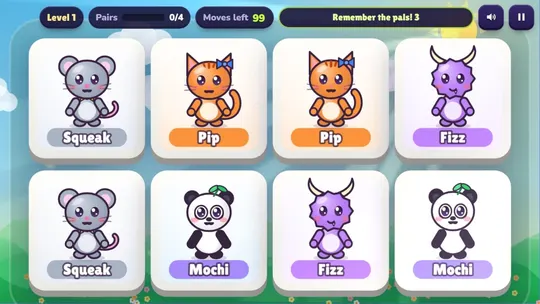
- Pair Pals: a cheerful memory card game with 18 cartoon friends. Flip cards, find the twins and train short-term memory. Each level shows a goal card, and the 16 levels in four chapters grow slowly; in the last chapter, a breeze swaps two hidden cards every three moves.
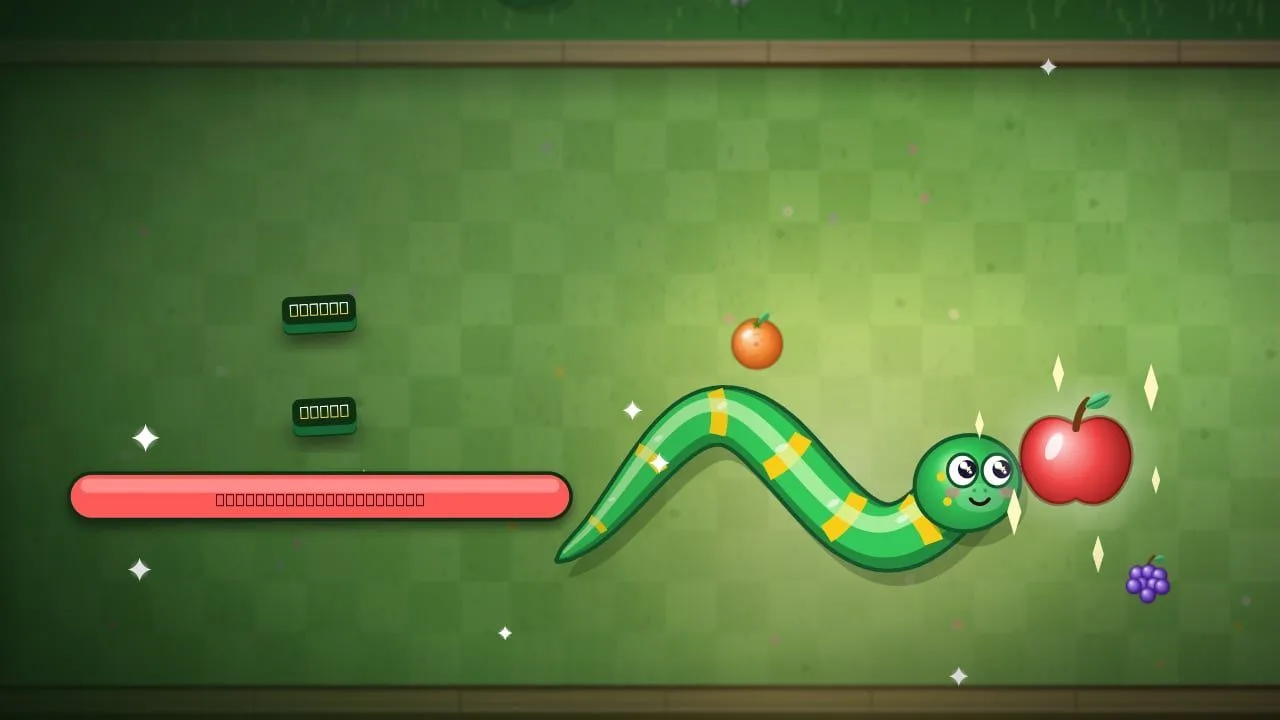
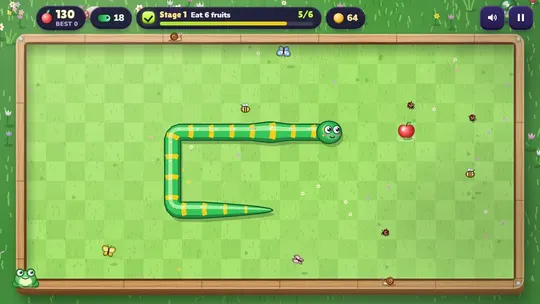
- Garden Snake: guide a friendly snake around a garden planter to eat fruit — great for practising direction and timing. The snake waits for the first move, so nobody is rushed at the start, and each garden has a simple target shown at the top of the screen.
Gentle puzzles
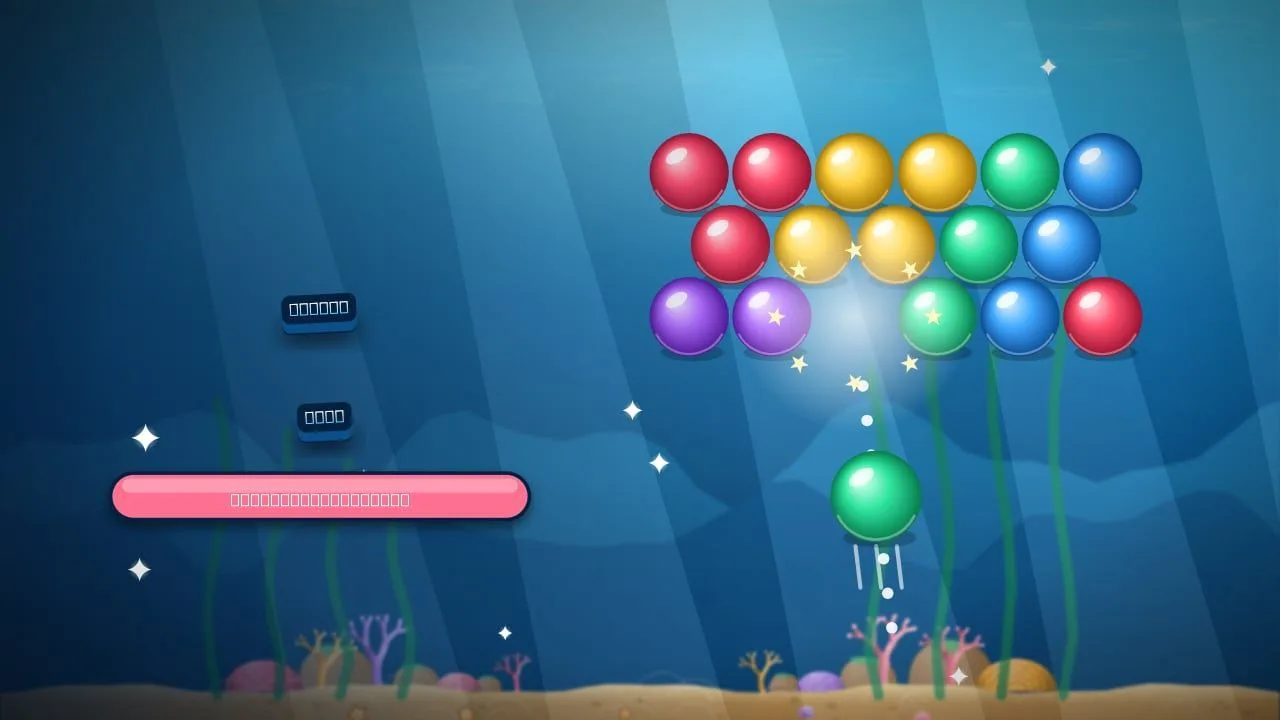
- Bubble Reef: aim and match three bubbles of a colour, with a dotted guide that shows every bounce. Kai the diver guides children through the reef, and there are free retries when a level goes wrong.
- Honk Out: slide cars and trucks to free the little red car. It starts with easy two-move lots and grows with your child, with free hints. Undo and Restart are always free, so mistakes cost nothing. Our car parking puzzle tips explain the logic if you want to help.
Skill and coordination
- Putt Paradise: mini golf on tropical islands — a calm way to learn angles and power. A dotted line shows where the ball will roll, including its first bounce off a rail.
- Sky Stacker: tap to drop each block onto the tower; timing is everything. It is a one-tap game, so even very young players can join in.
- Leap Quest: a platform adventure with Juni and Pip the fox across four colourful worlds. Thumb-sized on-screen buttons, a first-play coach, forgiving jumps and checkpoint flags that refill your three hearts make it a friendly first platformer.
You can find more in the Kids category.
Tips for parents
- Play together first. Ten minutes side by side tells you more about a game than any description.
- Prefer games with clear goals and short levels. They are easy to stop at a natural break.
- Set a timer. Short, regular sessions work better than long ones.
- Talk about ads. Explain that ads are separate from the game and that tapping them is never needed to play.
- Use the age ratings as a starting point, and trust your own judgement about your child.
- Play side by side. Many games here work well with two people taking turns on one device; our list of 2-player games on one device has more ideas.
- Agree on a stopping point before you start, such as "three levels" or "until this garden is done". Games with clear levels make this easy.
Our guide to healthy gaming habits has more ideas for keeping play balanced for the whole family.
FAQ
Are the games on GamesYap free for kids?
Yes. All games on GamesYap are free to play in the browser and there is nothing to buy inside the games. Children under 13 can play without creating an account, and they see a child-safe catalog. Some games offer optional in-game help for watching an ad, such as a retry, but there is always a free option as well, so children never need to tap an ad to keep playing.
Is GamesYap safe for children?
GamesYap gives children under 13 a child-safe catalog and only non-personalized ads, every game has an age rating, and ads never appear during active play. Parents can contact us at any time about a child's data. We also ask for a birth year when someone creates an account, and you must be 13 or older to sign up, so younger children play without an account.
What are good free games for young kids?
Memory games like Pair Pals, gentle puzzles like Bubble Reef and Honk Out, and simple skill games like Garden Snake, Putt Paradise and Sky Stacker are good starting points for young players. They all have a 3+ age rating, clear goals on screen and short levels. For slightly older children, the platform adventure Leap Quest adds jumping, gems and friendly enemies, with checkpoints and three hearts per level.
Do kids need an account to play?
No. Kids can play every game in the child-safe catalog without an account. Accounts are only for players aged 13 and over. Without an account, progress is usually saved on the device being used, so a child can continue on the same tablet or computer later. Clearing the browser data may remove that saved progress.