Lists
Best HTML5 Games for Mobile: 10 Browser Games That Play Great on Your Phone
The best free HTML5 games for mobile: 10 browser games built for touch screens, plus what HTML5 games are and tips for smooth play on your phone.
By GamesYap Team5 min read
Not every game needs an app store. HTML5 games for mobile run straight in your phone's browser: tap a link and you are playing a few seconds later, with nothing to install and no storage used. In this guide we explain what HTML5 games are, why they work so well on phones, and share ten free browser games that were designed for touch screens from the very first sketch.
What is an HTML5 game?
HTML5 is the modern standard behind the web. Together with JavaScript, it lets a web page draw fast graphics, play sound and respond to touch, mouse and keyboard — everything a game needs. An HTML5 game is simply a game built with these web technologies, so it runs in any up-to-date browser: Chrome, Safari, Edge, Firefox and Samsung Internet.
For players, that means three big advantages:
- No download. The game loads like a web page, so there is no install, no update to wait for and no storage used.
- Works everywhere. The same game runs on Android phones, iPhones, tablets, laptops and desktop computers.
- Instant to share. Sending a friend a game is as easy as sending a link.
Want the full background? Read browser games with no download.
What makes an HTML5 game good on a phone?
A game can run on a phone and still feel awkward. The ones on this list were built with mobile in mind:
- Big, thumb-friendly buttons that never cover the action.
- Portrait and landscape layouts, so you can hold the phone the way you like.
- Short levels that fit a bus ride or a queue.
- Smooth performance on ordinary phones, not just the newest ones.
- Progress that saves automatically in the browser.
10 of the best HTML5 games for mobile
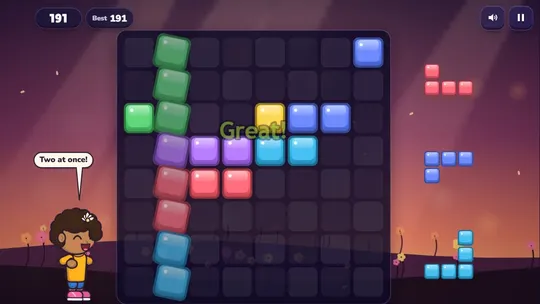
1. Block Puzzle Bloom – block puzzle
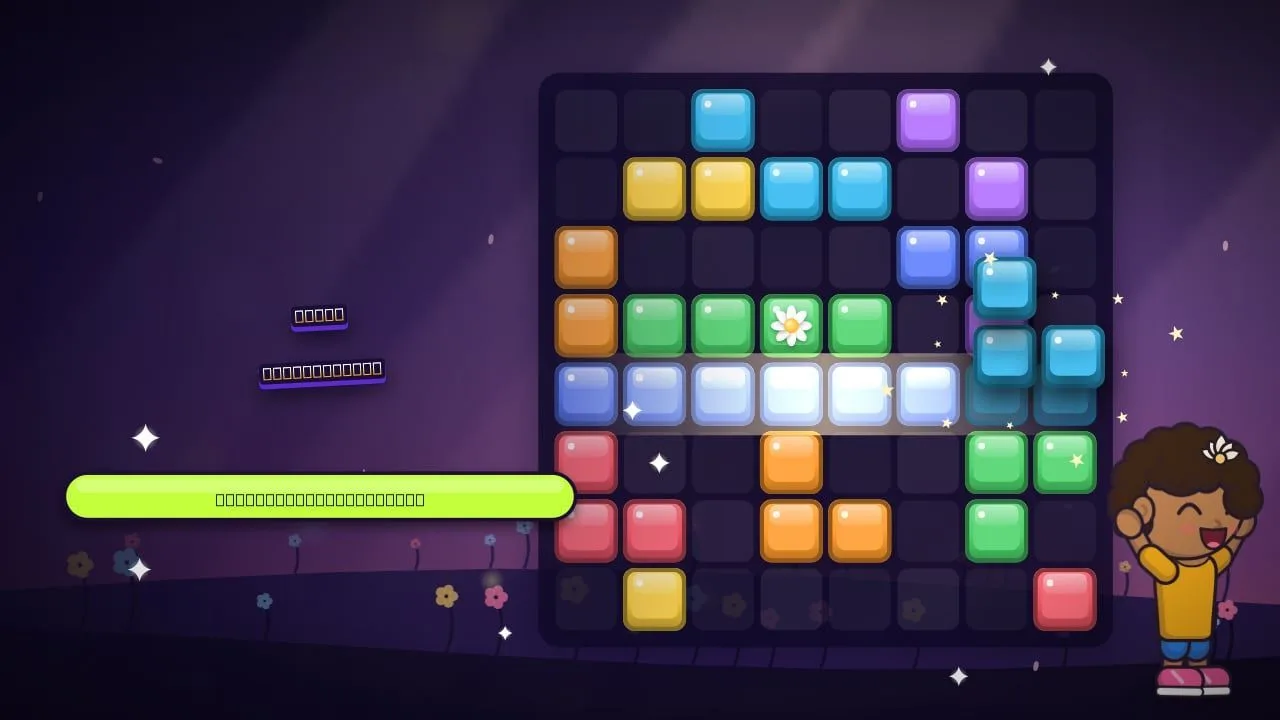
Drag blocks onto an 8×8 board and clear full rows and columns. Block Puzzle Bloom is ideal for one-handed play in portrait, with an endless mode, 24 Garden Path levels and a daily challenge.
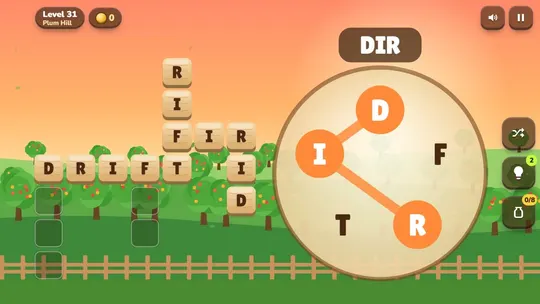
2. Word Orchard – word games
Word Orchard packs three word games into one: a Daily Word to guess in six tries, a Word Wheel where you swipe letters to fill a little crossword, and 40 themed Word Search grids. Swiping letters feels natural on a touch screen.
3. Bubble Reef – bubble shooter
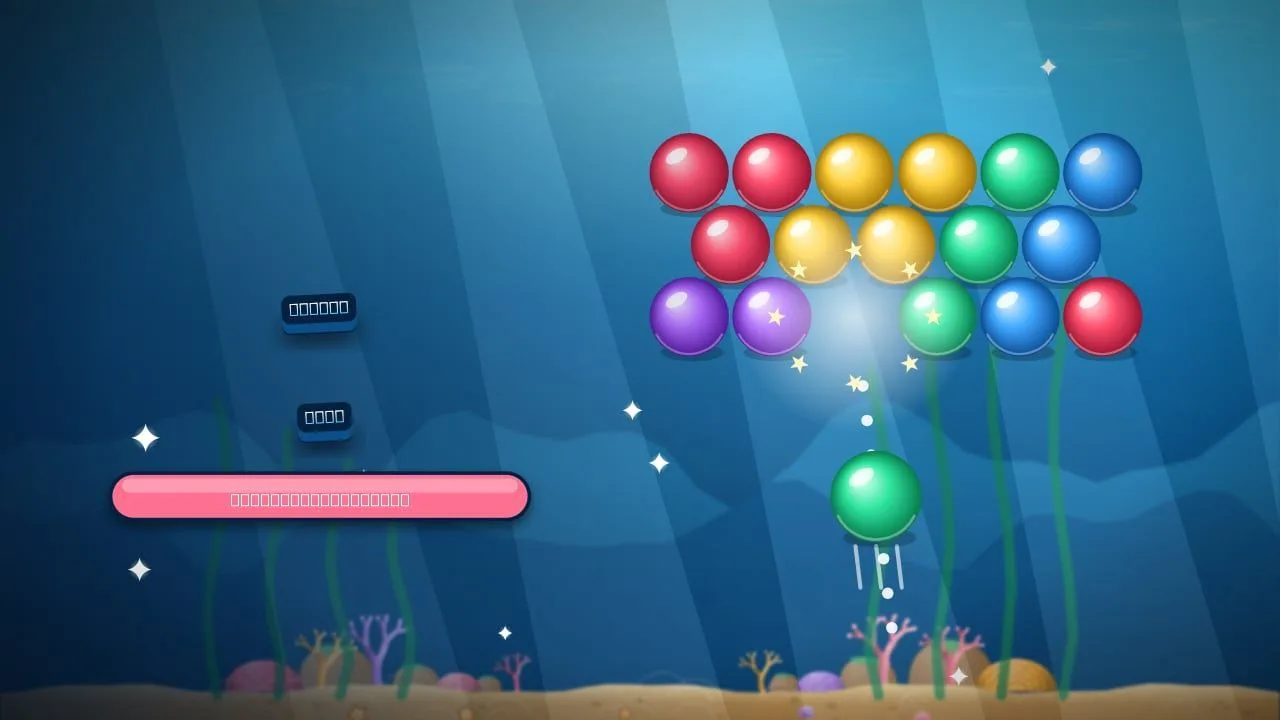
Drag to aim and release to shoot. Bubble Reef has a dotted guide that shows every bounce, which makes precise shots easy on a small screen. There are 36 levels and a daily dive.
4. Solitaire Sunrise – klondike solitaire
Cards are big and easy to drag in Solitaire Sunrise, and a tap can move a card to the best spot. Choose Draw 1 or Draw 3, with unlimited undo and free hints.
5. Flask Fiesta – water sort puzzle
Tap a flask, then tap another to pour. Flask Fiesta is one of the most relaxing phone games around, with 72 levels and free undo.
6. Sky Stacker – tower stacking
One tap is all Sky Stacker needs: drop each sliding block onto your tower and aim for perfect drops. A round is short, which makes it perfect for a spare minute.
7. Juicy Slash – fruit slicing
Swiping is the most natural phone gesture there is, and Juicy Slash is built around it. Slice fruit across 24 stages or three Endless modes.
8. Ludo Lantern – ludo
Pass the phone around the table: Ludo Lantern supports pass-and-play for 2 to 4 players, with 3D dice and three bot levels when you play alone.
9. Siren Sprint – police chase
Racing games can be fiddly on phones, but in Siren Sprint the car drives itself, so you only steer — by holding either half of the screen or with two buttons.
10. Jelly Jar – drop and merge
In Jelly Jar you move a jelly along the top of the jar and drop it; two jellies of the same size merge into a bigger one. Simple to control with one finger, surprisingly deep to master.
Tips for playing HTML5 games on your phone
- Use an up-to-date browser. Updates bring faster graphics and fewer bugs.
- Add your favourite games to your home screen. In your browser menu, choose "Add to Home screen" for one-tap access, just like an app.
- Play full screen. Rotate the phone if the game prefers landscape; the layout adapts.
- Close heavy background apps and tabs if a game stutters.
- Turn on the sound with headphones — audio cues help in action games and keep the bus quiet.
- Keep an eye on battery during long sessions; lowering screen brightness helps.
Prefer an app icon? GamesYap also has apps for Android and iOS with the same games and account.
FAQ
What are HTML5 games?
HTML5 games are games built with web technologies — HTML5, JavaScript and the browser's graphics features — so they run directly in a web browser. You do not need to download or install them; they work on phones, tablets and computers in browsers like Chrome and Safari.
Do HTML5 games work on iPhone and Android?
Yes. HTML5 games run in Safari and Chrome on iPhone and in Chrome, Samsung Internet and other browsers on Android. Games designed for mobile, like the ones on this list, adapt to the screen size and support touch controls.
Are HTML5 games safe to play?
Playing on a trusted site is safe: an HTML5 game runs inside the browser's security sandbox and does not install anything on your device. On GamesYap every game is reviewed before release, and nothing needs to be downloaded.
Do HTML5 games use mobile data?
Yes, a little. The game is downloaded when you open it, much like a web page with pictures. After it has loaded, most games use very little data while you play. Using Wi-Fi for the first load is a good idea if your data plan is small.
Can I play HTML5 games offline?
Most HTML5 games need a connection to load. On GamesYap every game needs the internet the whole time: if the connection drops, the game pauses and carries on once you are back online, so you keep your progress and your points.