Lists
Games for a Laptop Without a Graphics Card: 8 Free Browser Games That Run on Integrated Graphics
Free games for a laptop without a graphics card: 8 browser games that run on integrated graphics, how to check your laptop's GPU, and the settings that help.
 By Mahedi Hasan7 min read
Yes, you can play real games on a laptop without a graphics card. Every laptop has graphics built into its processor (integrated graphics), and that chip handles 2D games and light 3D games fine, as long as the game was made with it in mind. The easiest way in is a browser game: nothing to install, no storage used, and the eight free games below lower their own effects when your laptop starts to struggle.
Here's what to do first: plug the laptop in, close the tabs you don't need, and open one of the games below in your browser. If it stutters, the settings section further down fixes most of it in a minute.
What "no graphics card" actually means
A gaming laptop has a separate graphics chip with its own fast memory. Most school, work and budget laptops don't. Their graphics live inside the main processor and borrow part of the regular RAM. That's why a laptop with 4 GB of RAM feels it twice: the games, the browser and the graphics all share the same small pool.
Integrated graphics aren't useless, though. They're weak at big 3D games with heavy lighting and long view distances. They're fine at 2D games, puzzle and card games, top-down action, and simple 3D with clean shapes. Most of the lists that rank for this search point you to big downloads that need several gigabytes of disk space. In a browser you skip the install, and a game page loads in seconds.
How to check what graphics your laptop has
- Windows: press Ctrl + Shift + Esc to open Task Manager, open the Performance tab and click GPU. The name at the top right is your graphics chip. Laptops with a separate graphics card usually list two, GPU 0 and GPU 1; if you only see GPU 0, that's your integrated graphics.
- Mac: open the Apple menu and choose About This Mac. The chip or graphics line tells you what you have.
- In Chrome: type
chrome://gpuin the address bar. Near the top, the list should say "Hardware accelerated" for most items. If it says "Software only", your browser isn't using the graphics chip at all, and that alone can make games crawl. The settings section shows how to turn it on.
How our games handle a weak laptop
We build every GamesYap game for the browser, and 51 of them share one piece of code that watches the frame rate while you play and adjusts the graphics. Here's what it does, straight from our game kit:
| When this happens | The game does this |
|---|---|
| The frame rate stays under 50 fps for two 2-second stretches | Drops one quality level (there are three: high, medium, low) |
| Each step down | Cuts particle effects to 60%, then 30% |
| Any screen, any level | Caps the drawing area at about 3.6 million pixels, so a big sharp screen can't overload the chip |
| Still under 40 fps on the lowest level for three 2-second stretches | Draws the game at a lower resolution as a last rescue |
It ignores the first two seconds, stalls and hidden tabs, so a slow page load doesn't knock the quality down for nothing. Every game is also tested before release in a desktop browser with the processor slowed four times in Chrome's developer tools, which is close to an older budget laptop.
8 free games that run on integrated graphics
1. Neon Drift (3D racing)
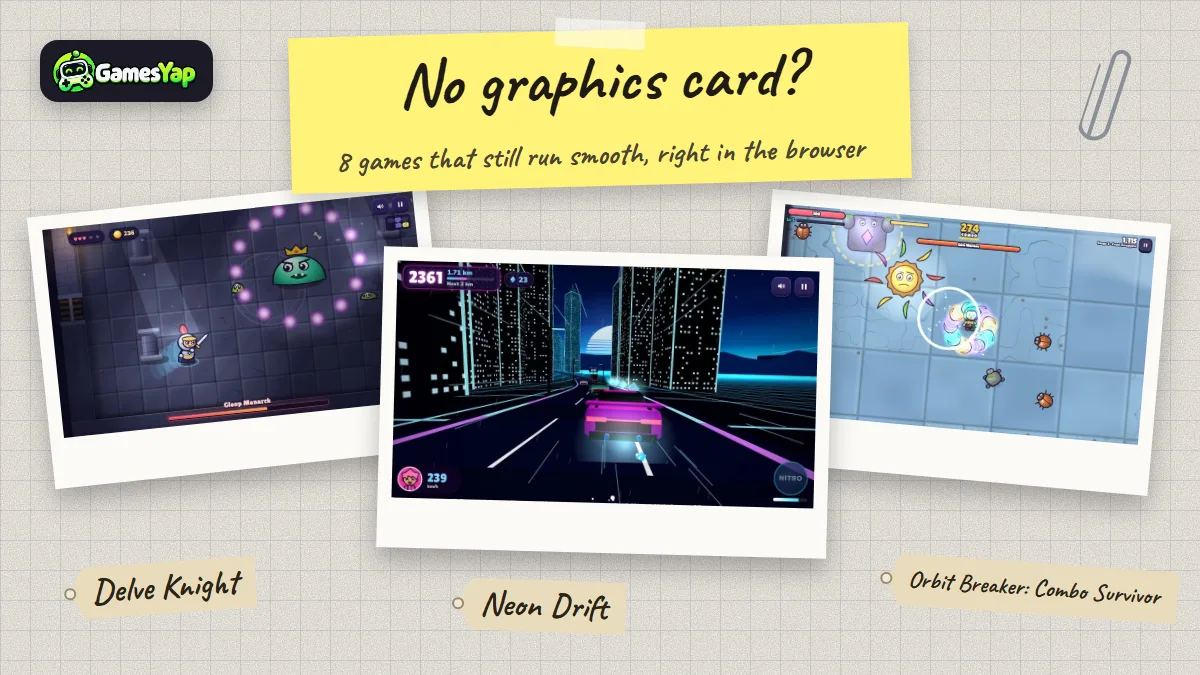
An endless synthwave highway in real 3D with a low camera behind your car. You weave through traffic, skim past cars for near-miss combos and grab energy cells to charge nitro. The extra light effects (sun rays, shooting stars, rim-lit hills) are the first things the quality system switches off, so the road itself stays smooth. Play Neon Drift.
2. Chicane Champions (3D formula racing)
Seven named rivals, three laps, seven grand prix circuits, all in 3D. Shadows only appear on the top quality level, which is exactly the kind of cost a weak chip can't afford, so on a budget laptop the race simply drops them. Play Chicane Champions.
3. Delve Knight (dungeon crawler)
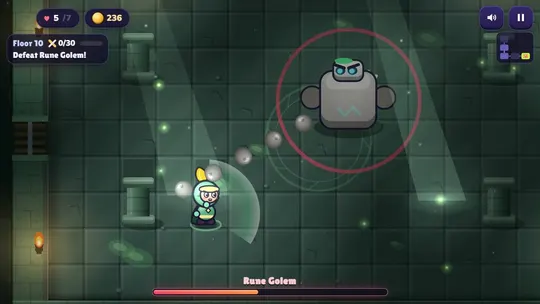
A torch-lit dungeon that changes every run, fought room by room, with a clear goal on each floor and up to three stars. It's top-down 2D, which integrated graphics handle with ease, and the light shafts and drifting motes scale with the quality level.
4. Orbit Breaker (survivor game)
Our newest game, out November 18. Crescent blades spin around your hero on their own, and you steer them through chains of enemies to build a combo up to 999. It lowers its effects by itself on slower devices so the action stays smooth. Play Orbit Breaker, and see our launch post for the combo math.
5. Nova Strike (space shooter)
Your starfighter fires on its own while you dodge drones, divers and tanks and grow a five-way storm of shots. Its glow effects are painted into one low-resolution layer and added in a single step, which keeps them cheap. Play Nova Strike.
6. Serpent Arena 3D (multiplayer snake)
A painted 3D snake arena where you grow from a hatchling to a giant against real players and bots. The graphics quality lowers itself when the frame rate drops, so the arena stays playable. Play Serpent Arena 3D.
7. Cue Lagoon (8-ball pool)
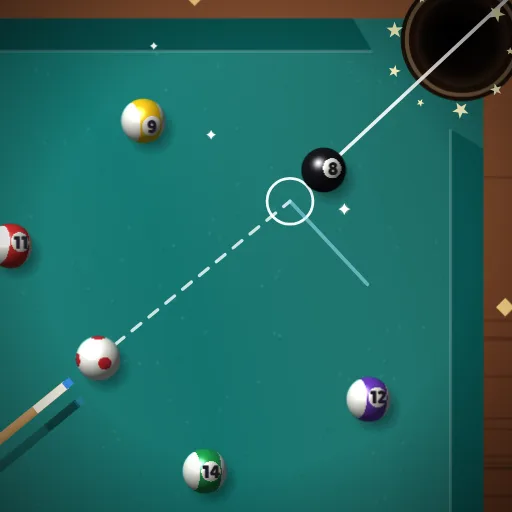
Pool at a moonlit lagoon bar against the computer or a friend, with a guide line for your shot. A pool table is light work for any graphics chip, and it's a game where a steady frame rate matters more than effects. Play Cue Lagoon.
8. Shamble Siege (zombie shooter)
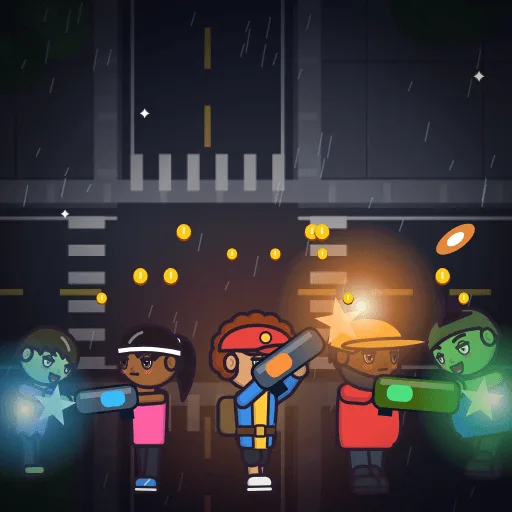
Pick one of seven heroes and fight through endless zombie stages alone or in 3-player online co-op. It's top-down, so even a crowded screen stays manageable on a modest laptop. Play Shamble Siege.
Settings that help on a laptop without a graphics card
- Plug it in. Most laptops slow the processor on battery, and integrated graphics slow down with it.
- Set Windows to performance. In Windows 11, open Settings, then System, then Power (or Power & battery), and set Power mode to Best performance while you play.
- Turn on graphics acceleration in Chrome. Settings, then System, then switch on "Use graphics acceleration when available", and relaunch. Check
chrome://gpuagain afterward. - Close other tabs and apps. Integrated graphics share your RAM, so every open tab takes memory from the game.
- Play in a smaller window. If a 3D game stutters, un-maximize the window or press Ctrl and minus once. The game draws fewer pixels and the frame rate climbs.
- Update the graphics driver. Windows Update usually handles it; an old driver is a common reason for "Software only" in
chrome://gpu.
If you're on a school or work Chromebook, our guide to games that run well on a Chromebook covers the same ground for ChromeOS, and browser games with no download has more picks. For more like the first two games, browse our racing category.
FAQ
Can I play games on a laptop without a graphics card?
Yes. Every laptop has integrated graphics built into its processor, and it runs 2D games, puzzle and card games, and light 3D games well. Browser games are the easiest choice: they need no install and no disk space, and many of them, including ours, lower their effects automatically when the frame rate drops.
Do browser games use my graphics chip?
They do when graphics acceleration is on. Modern browsers draw games through your graphics chip, integrated or not. Type chrome://gpu in Chrome to check: most lines should say "Hardware accelerated". If they say "Software only", turn on "Use graphics acceleration when available" in Chrome's System settings and relaunch the browser.
Is 4 GB of RAM enough for browser games?
For most browser games, yes, if you keep it to one game tab and close heavy apps. On a laptop without a graphics card, the graphics borrow part of that RAM too, so memory is tight. 2D games and puzzle games are the safest picks; 3D racing games run best with everything else closed.
Why does a game run slower on battery?
Most laptops save power on battery by lowering the processor's speed, and integrated graphics share that chip, so games lose frames. Plug in the charger and, on Windows 11, set the power mode to Best performance while you play. Our games will also step their effects down by themselves if the frame rate stays low.