Guides
12 Free Games That Actually Run Well on a Chromebook (No Install)
Free games for Chromebook that run smoothly in Chrome with nothing to install: racing, pool, chess, puzzles, cricket and idle games, tested on low-end hardware.
 By Mahedi Hasan8 min read
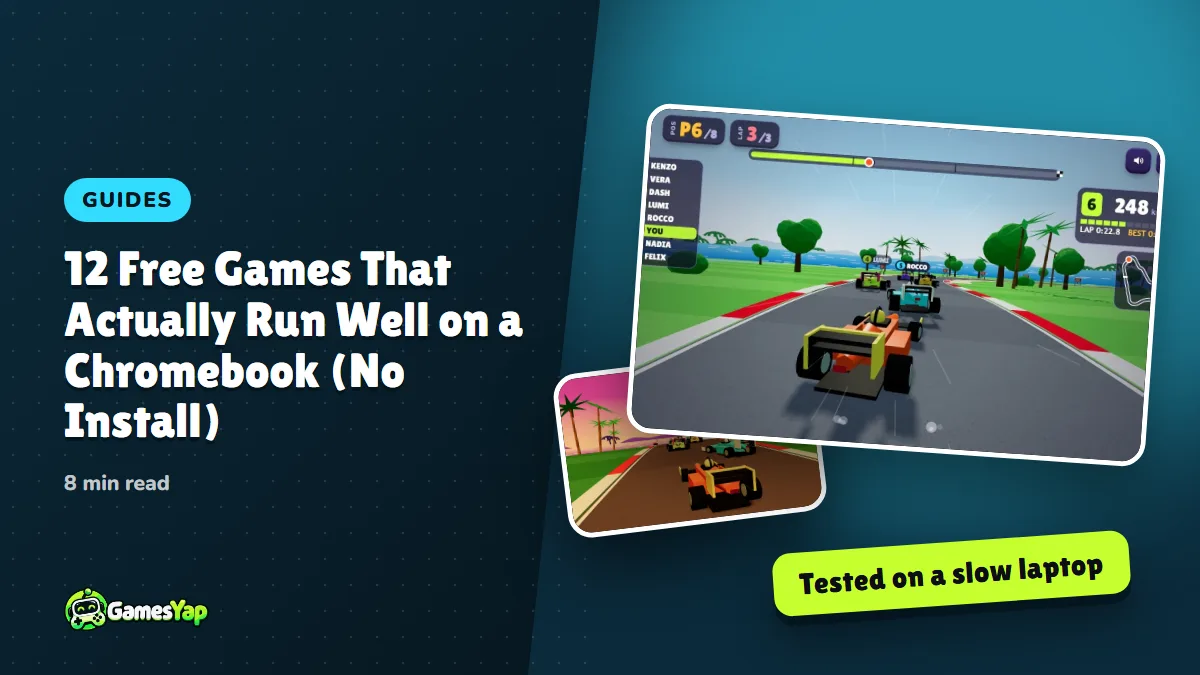
Free games for Chromebook have one real test: do they run smoothly on a cheap one? A $250 Chromebook has a slow processor, little memory and a trackpad, and most "browser games" lists are written on a gaming PC. The twelve games below are the ones from our own catalog that we tested with the processor deliberately slowed four times over, the way a budget Chromebook behaves, and that kept a steady frame rate. All of them run in the Chrome tab you already have open, need nothing installed, and work with the keyboard and trackpad, so they're fine on a managed school or work Chromebook too (as long as gamesyap.com isn't blocked by the filter).
A quick word on why that matters. Chrome OS can't install Windows games, and the Play Store on a Chromebook is hit and miss, slow to install and often blocked by an administrator. A good web game sidesteps all of it: open the page, play, close the tab, nothing left behind.
How we tested
Every GamesYap game is checked before release on a 360×640 phone screen and in a desktop browser with the CPU throttled 4× in Chrome's developer tools, which lands close to an entry-level Chromebook from a few years back. For this list we also played each game with only a trackpad and keyboard, no mouse, because that's how most Chromebooks are used. Games that need precise mouse dragging to be fun didn't make the cut.
The twelve
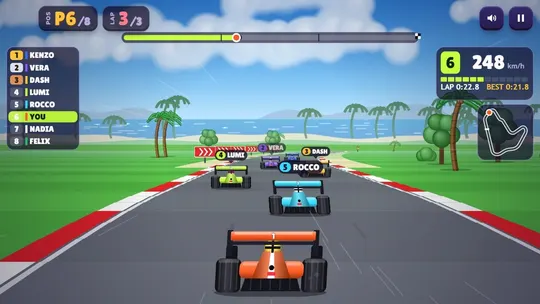
1. Chicane Champions — formula racing with the arrow keys
Chicane Champions is a 3D formula car race against seven rivals over three laps on seven circuits, and it steers with the arrow keys or WASD. It's the heaviest game on this list, and the one we were least sure about, but it holds its speed on a throttled CPU because the track and cars are drawn simply on purpose. If your Chromebook struggles with anything, it will be this one; drop to a smaller window and it recovers.
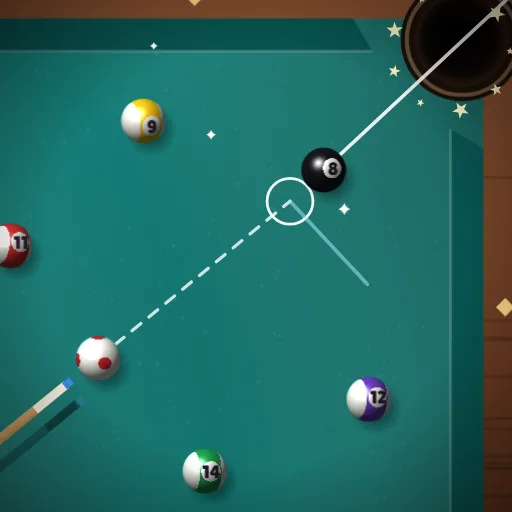
2. Cue Lagoon — 8-ball pool
Cue Lagoon is an 8-ball pool table that plays well on a trackpad: move to aim, use the left and right arrow keys for fine aim, pull the power bar and release. The computer opponent has three levels, there's a tour of eight rivals, and two people can share one Chromebook by passing the trackpad. Our guide to playing pool in a browser has the controls in detail.
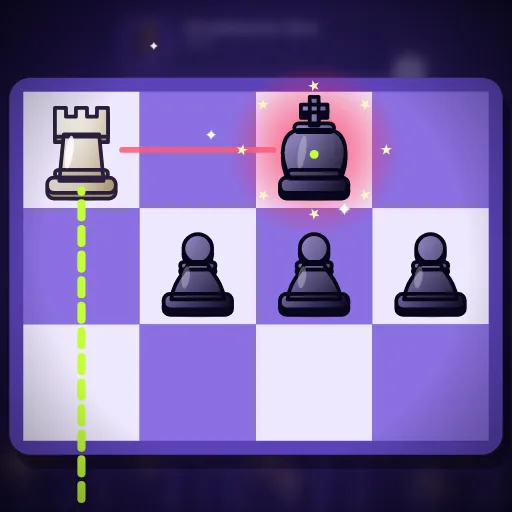
3. Chess Citadel — chess with a daily puzzle
Chess Citadel is chess against four cartoon opponents of rising strength, a daily checkmate puzzle, or a friend on the same screen. Click a piece, click a square. Nothing could be lighter on the hardware, and the daily puzzle is a good two-minute brain warm-up between classes.
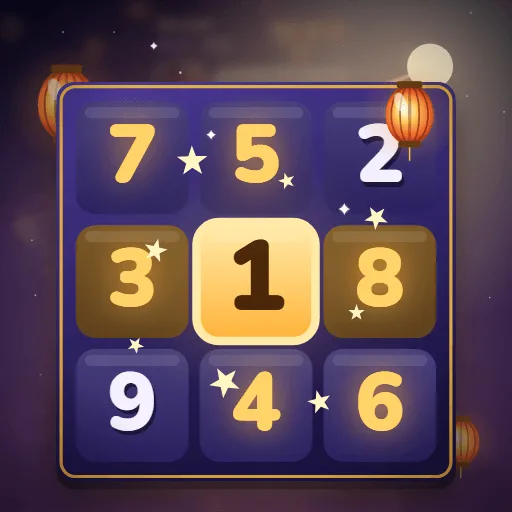
4. Lantern Sudoku — notes, undo and a daily grid
Lantern Sudoku runs five difficulties from Starter to Expert plus a daily sudoku, with pencil notes, undo and hints. Click a cell and press 1–9 on the keyboard to fill it, which is faster than tapping on-screen numbers. It's the game we'd point a teacher to.
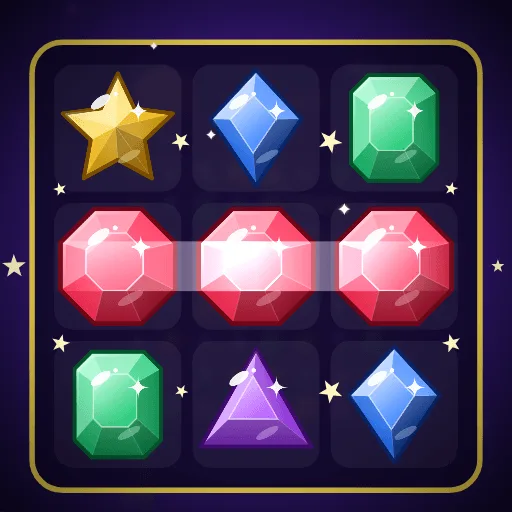
5. Gem Cascade — match 3
Gem Cascade is a match-3 with 24 levels across six mines, Line Gems and Burst Gems that clear rows and areas. Swapping two gems is a click and a click, which suits a trackpad better than drag-based match-3 games do. The match 3 strategy guide explains the special gems.
6. Bubble Reef — bubble shooter
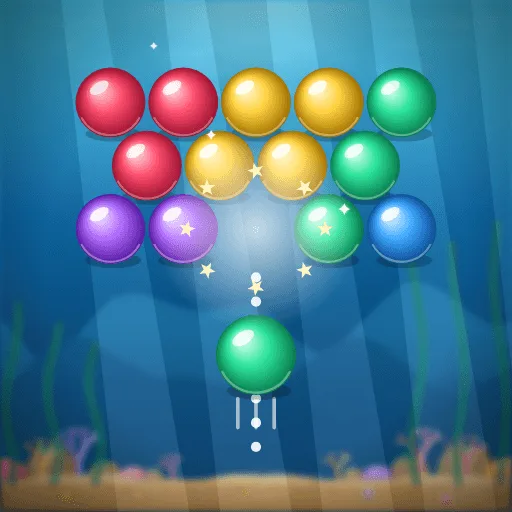
Bubble Reef aims with the trackpad and fires on click, with a dotted guide that shows every wall bounce. Thirty-six levels, bank shots, and a reef that creeps down after misses. Hold Shift for fine aim on long shots.
7. Garden Snake — snake, the classic
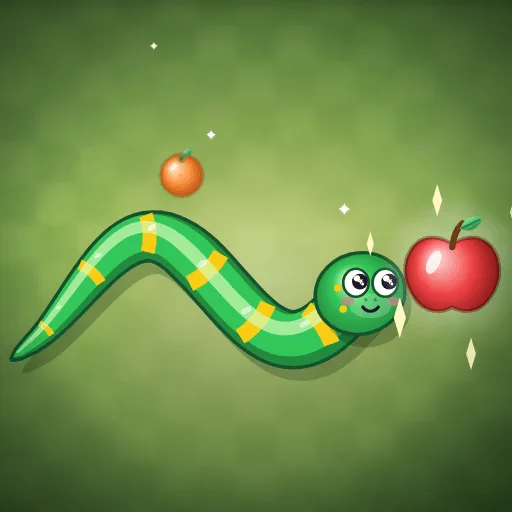
Garden Snake is the snake game: arrow keys or WASD, eat fruit, don't hit yourself, with golden apples and new gardens to unlock. It's the game people open for "just one round" and close twenty minutes later.
8. Glide Puck — air hockey
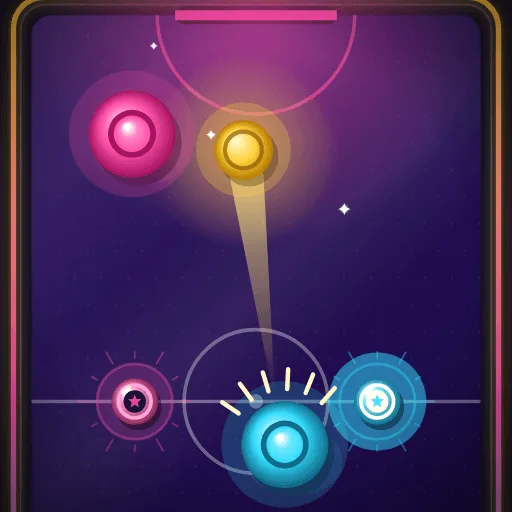
Glide Puck is air hockey against six rivals or a friend on one screen. Your mallet follows the pointer, so on a trackpad it feels like sliding your finger across the table, which is roughly the real thing. Short matches, loud goals.
9. Willow Smash — cricket batting
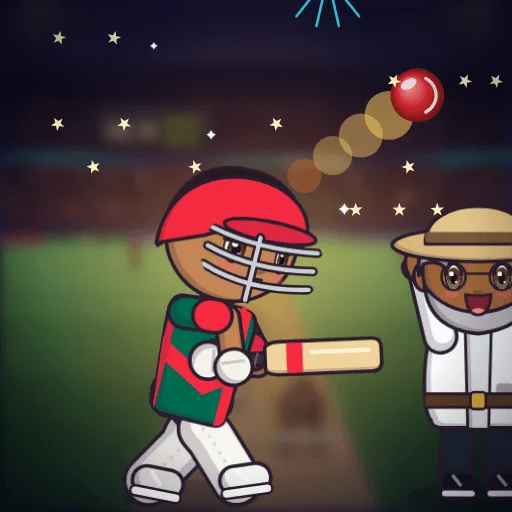
Willow Smash is a batting game: time the shot, pick the direction, chase a target. Space or a click swings. It also has live match rooms for up to four friends on separate devices, which turns a free period into a tournament; how to play cricket with friends online explains the rooms.
10. Shop Para — an idle shop you walk around
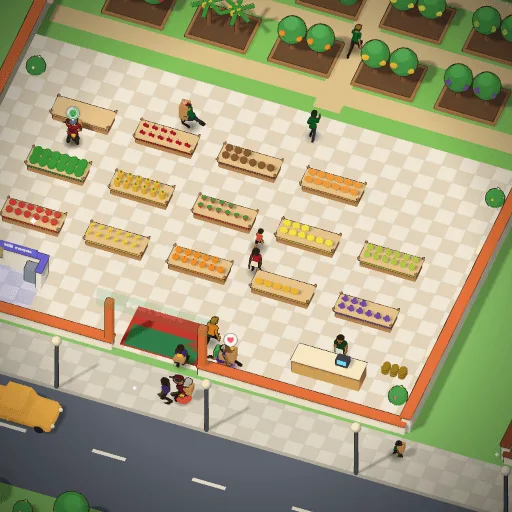
Shop Para is the one idle game on the list. You walk Mitu around her street with the arrow keys, plant fruit, carry it to the racks and hire helpers so the shop earns while you're in class. It's 3D but light, and it saves where you left off. More of its kind in our 17 best idle games.
11. Solitaire Sunrise — klondike
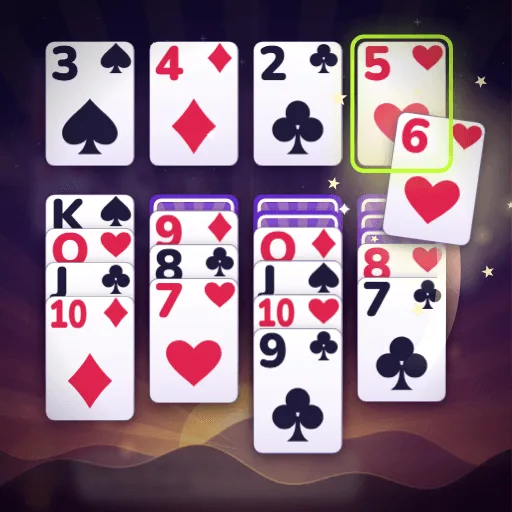
Solitaire Sunrise is klondike with Draw 1 or Draw 3, winnable "Relaxed" deals, a daily deal and unlimited undo. A click sends a card to a good spot, or you drag it; undo and the hint are always free. The quiet one.
12. Word Orchard — word search and a daily word
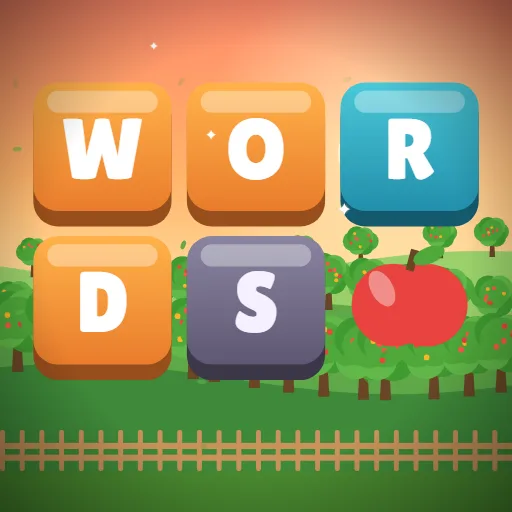
Word Orchard combines a word search, a daily word puzzle and a word-wheel crossword with 120 levels. Drag across letters or type them. It's the game that gets a pass from the strictest classroom.
Settings that help on a slow Chromebook
- Close the other tabs. Chromebooks have little memory; a game shares it with every open tab. One game tab plus whatever you need is the sweet spot.
- Smaller window, smoother game. The 3D games draw at your screen's real resolution. If a race stutters, un-maximise the window or press Ctrl and minus once to zoom the page out; the game redraws smaller and the frame rate climbs.
- Plug in. Many Chromebooks slow the processor on battery. On the charger they run games noticeably better.
- Sound off if you share a room. Every game has a speaker button in its corner.
- Sign in once. Progress saves in the browser, and a signed-in GamesYap account also saves it to the cloud, so a game started on a school Chromebook continues on a phone at home.
Why these and not the famous ones
The big "unblocked games" sites copy other people's games and wrap them in ads; many are slow because the game was never made for a laptop, and some are blocked for good reason. Every game above was built by our team for the browser, tested on weak hardware, and carries no in-app purchases. If one of them doesn't run well on your machine, tell us through the contact page with the model name; that's how the list gets better.
FAQ
Can you play games on a school Chromebook without installing anything?
Yes. All twelve games here run inside the Chrome browser with nothing to install, so they work on a managed Chromebook as long as the gamesyap.com site is not blocked by your school's web filter. They need no account to start, and nothing is saved to the device beyond normal browser data.
Which free games run best on a low-end Chromebook?
The 2D games are the safest: Chess Citadel, Lantern Sudoku, Solitaire Sunrise, Word Orchard, Garden Snake, Gem Cascade and Bubble Reef all run smoothly on an entry-level machine. Cue Lagoon and Glide Puck are light too. The 3D racing and idle games run well on most Chromebooks but benefit from a smaller window on the very slowest ones.
Do these games work with just a trackpad and keyboard?
Yes, that was a condition for making the list. The racers, snake and the idle game use the arrow keys or WASD; pool, bubble shooter, air hockey and the puzzles use the pointer plus a click; sudoku takes the number keys. Fine-aim keys in Cue Lagoon and Bubble Reef make up for the trackpad's lack of precision.
Are there free Chromebook games two people can play together?
Several. Cue Lagoon, Chess Citadel and Glide Puck have a two-player mode on one screen where you take turns or share the trackpad. Willow Smash has live match rooms where up to four friends play on their own devices and compare scores at the end. Our list of two-player games on one device has more.
Will my progress be saved on a shared Chromebook?
Progress is kept in the browser profile, so on a shared machine another student's profile will not see it, and a wiped profile loses it. Sign in to GamesYap in the game and your progress is also saved to your account, which brings it back on any device after you sign in.
Does GamesYap have ads or in-app purchases on these games?
There are no in-app purchases anywhere on the site, and the games' coins are earned by playing. Ads on the site are the standard family-safe kind and are shown between games or as an optional bonus the player chooses to watch; nothing in a game is locked behind a purchase.