
Guides
HyperX Cloud III Review Roundup: Is It Worth It? Specs, Reviews and Our Verdict
Is the HyperX Cloud III worth it? A very comfortable wired headset under $100 with a clear 10mm mic. What reviewers liked, what they didn't, who should buy.
 By Mahedi Hasan8 min read
We may earn a commission if you buy through links on this page, at no extra cost to you.
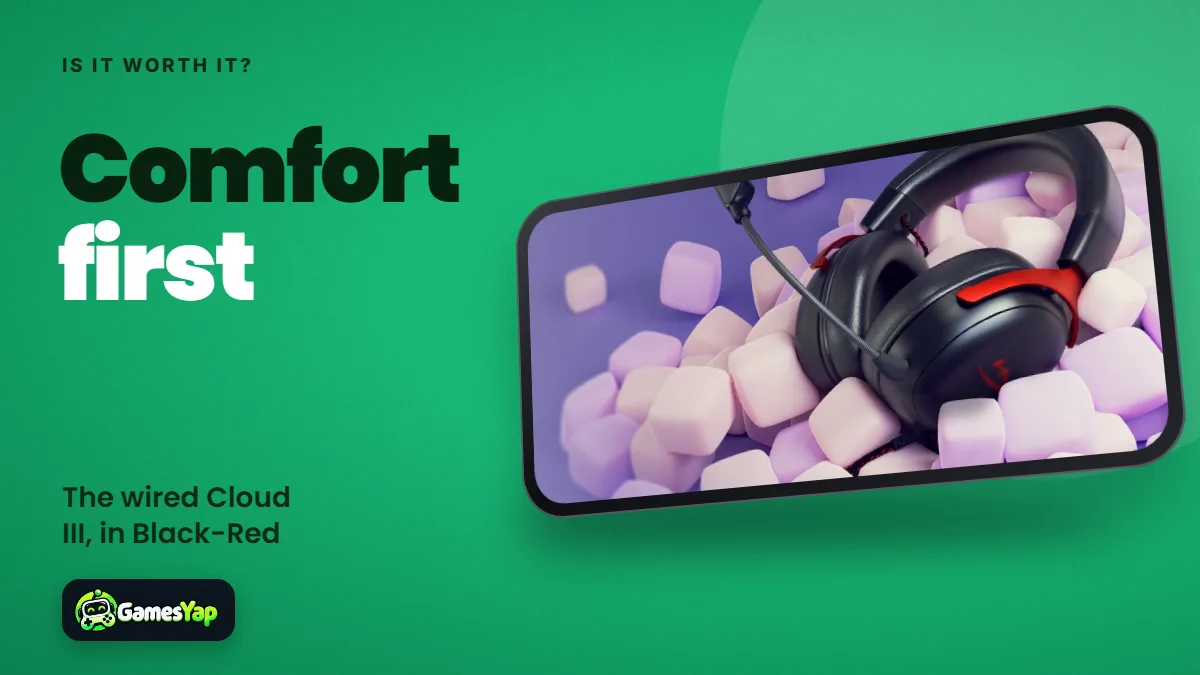
This HyperX Cloud III review roundup comes with a short answer: yes, it's worth it if comfort is your top priority and you want one wired headset that plugs into almost anything. If you care most about rich, wide sound for music or need a top-tier mic for streaming, there are better picks.
Here's what to do: read the quick verdict and the spec box below. If "comfortable, simple, wired" sounds like you, check the current price on the Black-Red model. If you want wireless instead, read our Cloud III S Wireless review roundup.
Our verdict in 30 seconds
- Buy it if: you play for hours, wear glasses, or want one headset for PC, PS5 and Switch.
- Skip it if: you mainly listen to music, want wireless, or stream with your headset mic.
- Why: reviewers keep calling it one of the comfiest wired headsets around, and it's still under $100.
HyperX Cloud III specs at a glance
The numbers come from HyperX's own spec sheet for the Cloud III.
| Spec | HyperX Cloud III |
|---|---|
| Drivers | 53mm dynamic, angled, neodymium magnets |
| Frequency response | 10 Hz to 21 kHz |
| Microphone | Detachable 10mm, uni-directional, noise-canceling, mesh pop filter, LED mute light |
| Connections | 3.5mm, USB-A and USB-C (through the included USB dongle) |
| Weight | 0.67 lb (0.70 lb with the mic) |
| Cables | 3.93 ft headset cable, 4.26 ft USB dongle cable |
| Warranty | 2 years |
How we judged it
We haven't had a Cloud III on our own heads, so we won't pretend we have. Our verdict rests on three things: HyperX's official specs and launch announcement, three named reviews (Tom's Hardware, PC Gamer and SoundGuys), and how it lines up against the Cloud II it replaced. Where reviewers disagree, we say so.
Why we picked it
- Comfort is the headline. Reviewers call it light, gently clamping and easy to forget you're wearing.
- Plush memory foam pads that work well with glasses, per PC Gamer and Tom's Hardware.
- 3.5mm, USB-A and USB-C in the box, so it moves between PC, console, laptop and phone.
- Mute button and volume wheel right on the ear cups, plus a red mute light on the mic.
Watch out for
- Sound is good for games but not exciting for music. SoundGuys calls it the weak spot.
- The mic is fine for chat, but reviewers found it quiet, and the mute button clicks loudly.
- The ear cups don't fold flat, and there's no carrying bag or spare velour pads.
Design and comfort: the reason to buy it
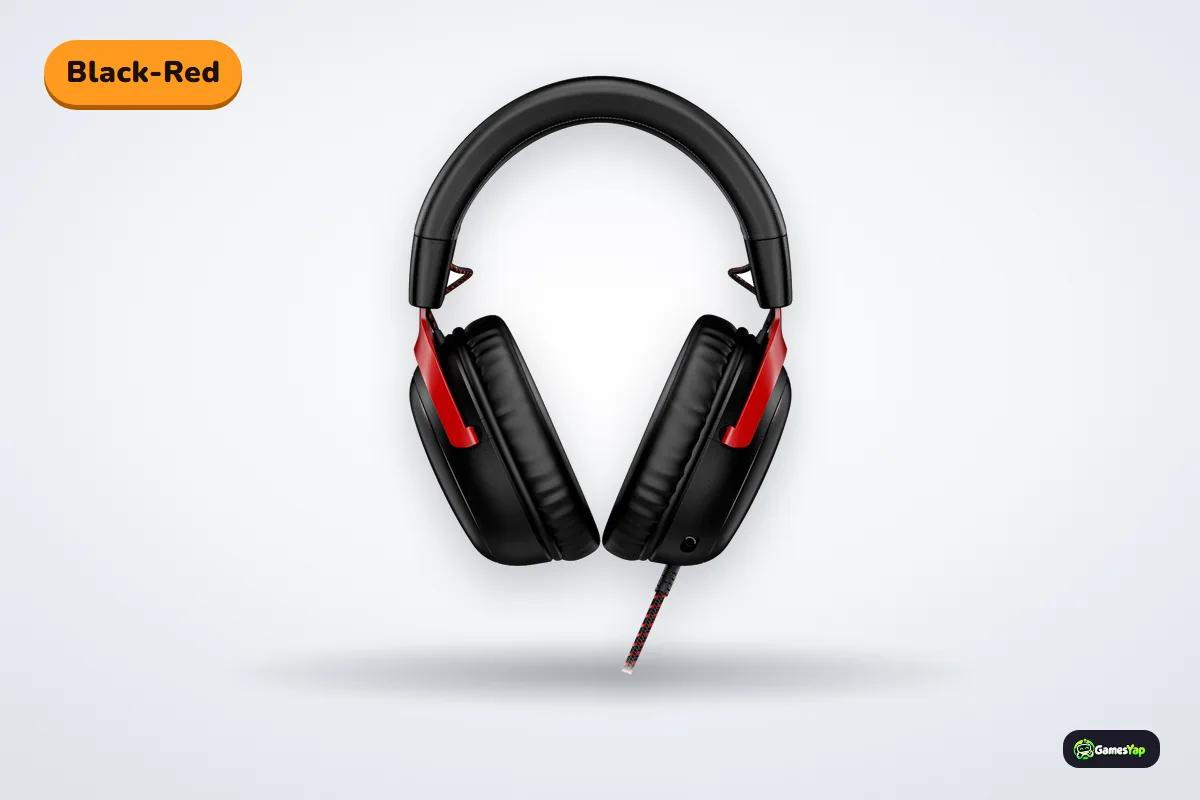
The Cloud III keeps the Cloud II's basic shape: a padded headband, aluminum forks and big oval cups. HyperX added more padding in the headband and angled the ear cups to follow the shape of your ears. The Black-Red version has red forks and red HyperX logos on black cups.
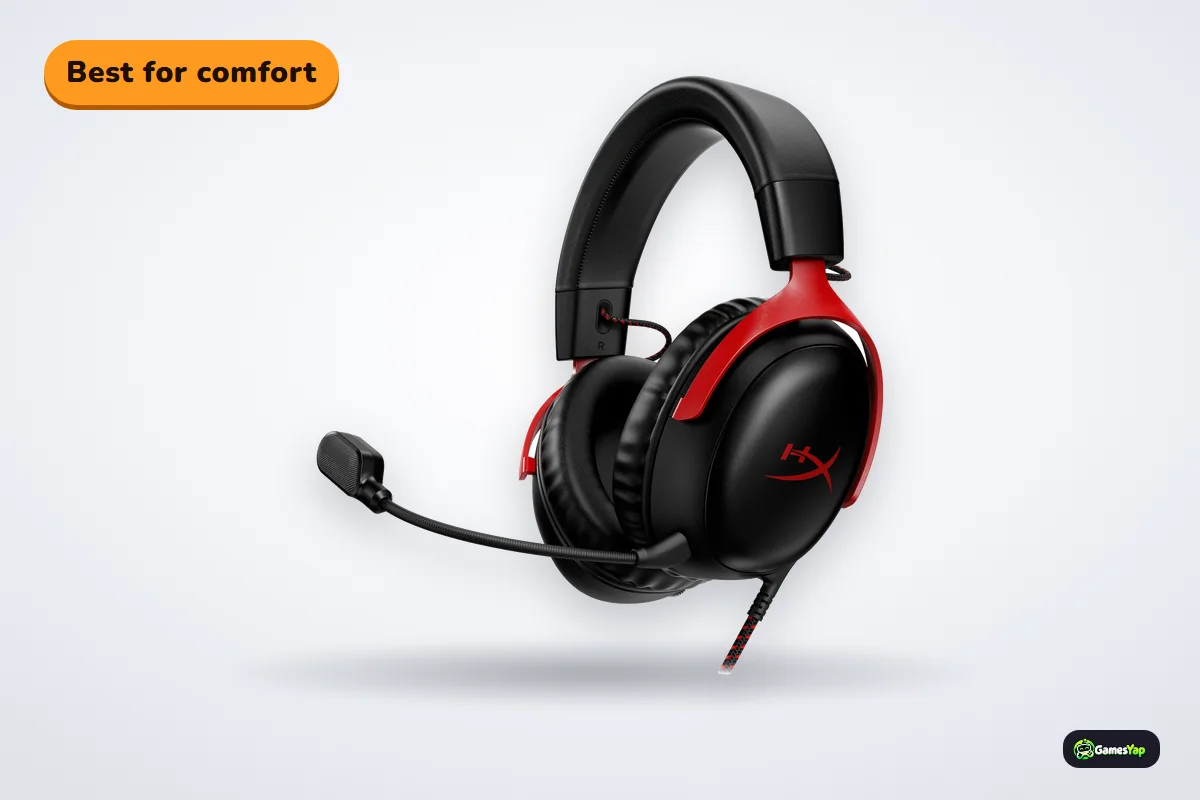
Every review we read agrees on comfort. Tom's Hardware called it "extremely comfortable" and said the clamping force is just right. That's firm enough to stay on when you lean back, soft enough to forget after an hour.
Best for: long sessions, glasses wearers, small desks with many devices. Skip if: you want the bag and extra pads the Cloud II came with.
PC Gamer's reviewer wore it through full work shifts with bulky glasses and had no real complaints. That's the strongest praise a headset can get, because pressure on glasses arms is what usually ends a long session.
Two small catches. The cups tilt and slide up and down, but they don't swivel flat, so it isn't great to pack in a backpack. And the box is thinner than the Cloud II's: no mesh bag, no spare velour pads.
Sound: good for games, fine for music
The Cloud III uses re-engineered 53mm drivers, angled toward your ears. Reviewers describe a familiar HyperX sound with a few changes:
- Bass: deep and strong. Tom's Hardware called it excellent, and PC Gamer was surprised by it without any bass boost.
- Mids: a little held back, so some vocals sit behind the music.
- Highs: a touch bright. Sharp strings and cymbals can get close to harsh.
- Soundstage: on the narrow side, which makes it less immersive than more expensive headsets.
For games, that mix works. Footsteps, gunfire and ambient detail come through clearly, and the closed cups keep sound from leaking. For music, it's pleasant but not special. SoundGuys scored sound quality as the Cloud III's weakest area, so if music matters to you, keep that in mind.
HyperX's launch announcement included DTS Headphone:X spatial audio on PC, switched on in the NGENUITY app. Don't buy it for that. Both PC Gamer and Tom's Hardware found the virtual surround effect too subtle to notice.

Microphone: clear enough, a bit quiet
The detachable mic moved up to a 10mm capsule with noise-canceling and an internal mesh pop filter. That filter really helps: Tom's Hardware found plosives ("p" and "b" sounds) stayed under control even very close to the mouth.
The downside is volume. Reviewers found the recording level low, even with gain turned all the way up in the app. You'll sound clear to your squad on Discord. You won't sound like a streamer with a desk mic. The mute button also makes a loud click that your teammates will hear.
Connections and platforms
This is where the Cloud III is better than most wired headsets. The headset ends in a 3.5mm plug. The included USB dongle turns that into USB-C, and a small adapter turns USB-C into USB-A. HyperX lists support for PC, PS5, PS4, Xbox Series X|S, Xbox One, Nintendo Switch, Mac and mobile.
One detail for Xbox owners: per Tom's Hardware, Xbox works through the 3.5mm plug in the controller, not through USB. That's normal for Xbox, but it means the USB-only extras don't apply there.
Software: optional, Windows only
The NGENUITY app gives you an EQ, mic gain, mic monitoring and the DTS toggle. It only runs on Windows. Both PC Gamer and Tom's Hardware had trouble with the app spotting the headset at times. The good news is you don't need it: volume and mute work on the headset itself.
Is the HyperX Cloud III worth it in 2026?
Yes, for the right buyer. It's still one of the easiest wired headsets to recommend when comfort and compatibility matter most. It isn't the best-sounding headset under $100, and PC Gamer argued some rivals give you more sound for the money. But a headset you can wear all evening beats one you take off after an hour.
Buy it if you play long sessions, switch between a PC and a console, or wear glasses. Skip it if you want wireless, mostly listen to music, or need a mic you can stream with.
Torn between this and the older model? Our Cloud II vs Cloud III comparison lays out every difference, and the Cloud II review roundup covers the classic.
Got your headset sorted? Try it on something free in your browser. Shamble Siege is a zombie shooter with 3-player online co-op, and Serpent Arena 3D is a multiplayer snake game in a painted cartoon world. More are in our multiplayer games and the list of multiplayer browser games to play with friends. Headsets are often on sale this time of year, and our Black Friday guide explains what usually drops.
Product images: HyperX. The featured picture is HyperX's Cloud III launch image from HP's press release (May 30, 2023). Specs: HyperX's Cloud III product page. Reviews quoted: Tom's Hardware, PC Gamer, SoundGuys.
FAQ
Is the HyperX Cloud III good for gaming?
Yes. Reviewers say its angled 53mm drivers bring out footsteps and small details well, with strong bass and slightly bright highs. The soundstage is on the narrow side, and the built-in DTS virtual surround is subtle. For most shooters, adventure games and co-op nights, it does the job well and stays comfortable for hours.
Does the HyperX Cloud III work with PS5 and Xbox?
HyperX lists PS5, PS4, Xbox Series X|S and Xbox One. On PS5 you can use the USB dongle or the 3.5mm plug. On Xbox, plug the 3.5mm jack into the controller; Tom's Hardware notes Xbox works through the analog connection, not USB. It also works with Switch, PC, Mac and phones.
Is the HyperX Cloud III mic good?
It's good for voice chat, not for streaming. The 10mm mic has noise-canceling, a mesh pop filter and a red mute light. Tom's Hardware found voices sound clear but quiet, even at full gain, with some sibilance. If you stream or record, pair the headset with a separate USB microphone.
Is the Cloud III better than the Cloud II?
In most ways, yes. It's more refined, with angled drivers, a 10mm mic with a mute light, controls on the ear cups and USB-C. The Cloud II still comes with spare velour pads and its USB control box with 7.1 virtual surround. Comfort is excellent on both, so choose based on features.
Does the HyperX Cloud III need software?
No. Volume and mic mute are on the ear cups, so it works straight out of the box on every platform. The optional NGENUITY app adds an EQ, mic gain, mic monitoring and DTS Headphone:X spatial audio, but it only runs on Windows, and reviewers found it unreliable at detecting the headset.
Final verdict
Our pick
The HyperX Cloud III is a comfort-first wired headset that works with almost everything you own. It's worth it for long sessions and glasses wearers. It isn't the right pick if music quality or a streaming-grade mic is the priority.
Some links in this article are affiliate links. If you buy through one, GamesYap may earn a small commission at no extra cost to you. We only list products we would buy ourselves, and the commission never changes what we recommend. As an Amazon Associate, GamesYap earns from qualifying purchases.